
 EN
 IT
PROJECT CASE STUDY / portop
GO · LINUX · DEVELOPER TOOLSFrom an open port to the process behind it.
A practical tool for understanding the services running on a machine, without piecing together multiple command outputs.
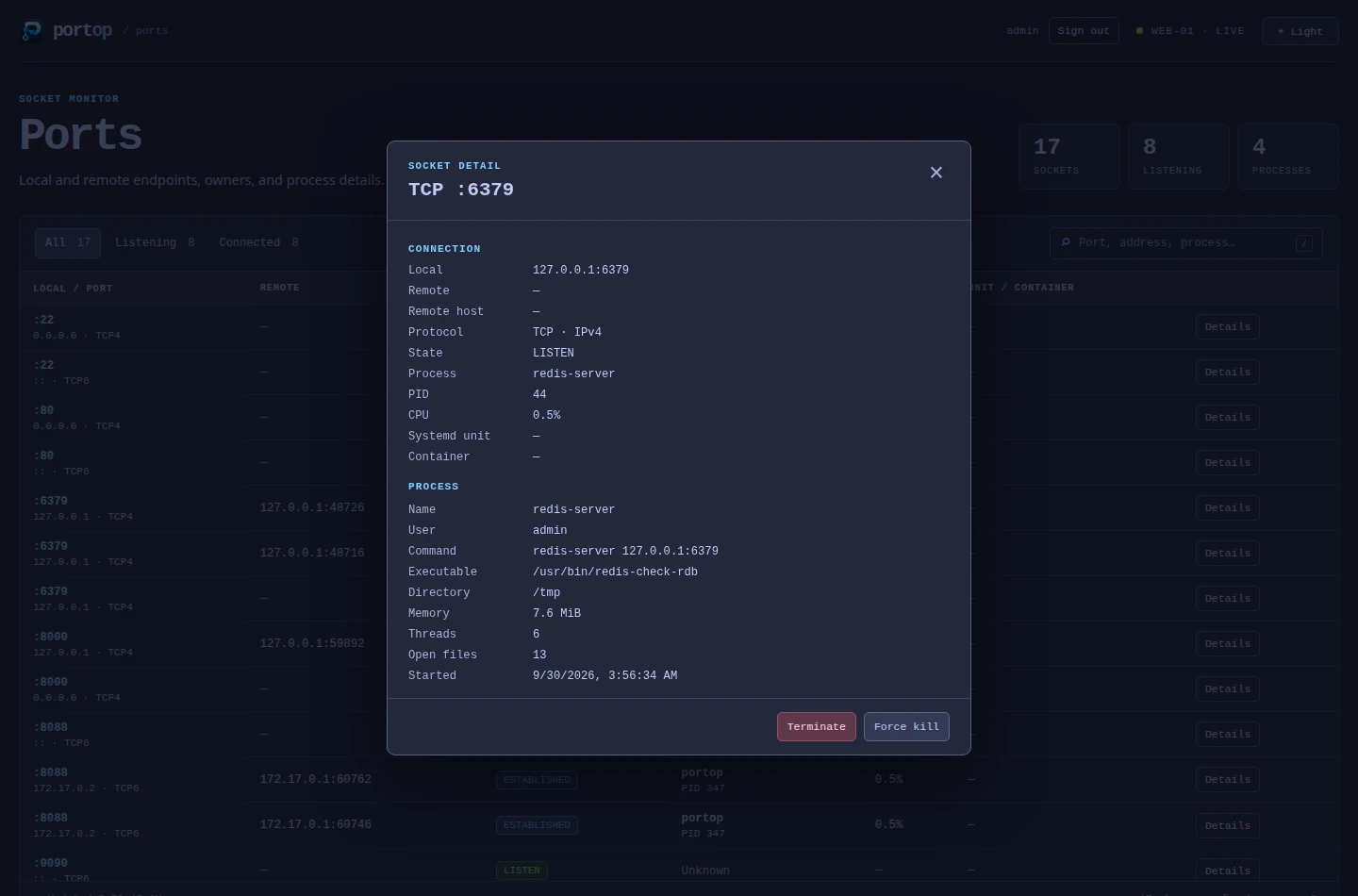
01 / The problem
A port number alone is rarely enough to diagnose a conflict. The useful context is the process that owns it and the service or container it belongs to.
02 / My contribution
I developed portop to connect socket data with process, service and container context, and expose it through terminal, web and Cockpit interfaces.
03 / The approach
On Linux, portop reads socket tables in /proc/net, matches socket inodes to process file descriptors, and uses cgroup paths to associate processes with systemd units and Docker containers.
04 / Engineering decisions
Engineering decisions
Use the operating system’s own data
Reading /proc and cgroups avoids dependencies on D-Bus and the Docker SDK. Container names can be enriched through read-only Docker API calls.
Expose the same information in different workflows
The terminal interface supports interactive inspection; JSON snapshots make the data usable in scripts. A web dashboard and Cockpit integration provide other ways to explore it.
Make change detection explicit
Save a listening-port baseline and compare later. A non-zero exit status lets a cron job or systemd timer flag changes automatically.
05 / Trade-offs & constraints
Using Linux procfs keeps collection close to the operating system and reduces integration dependencies, while tying this collection path to Linux and its permission model.
06 / What it delivers
What it delivers
- Ports, processes, services, and containers in one view.
- Baseline comparison and JSON output for automation.
- Packaged releases and a checksum-verifying installer.
Visibility depends on process permissions. Other users’ processes can require elevated access; service and container details depend on accessible metadata.